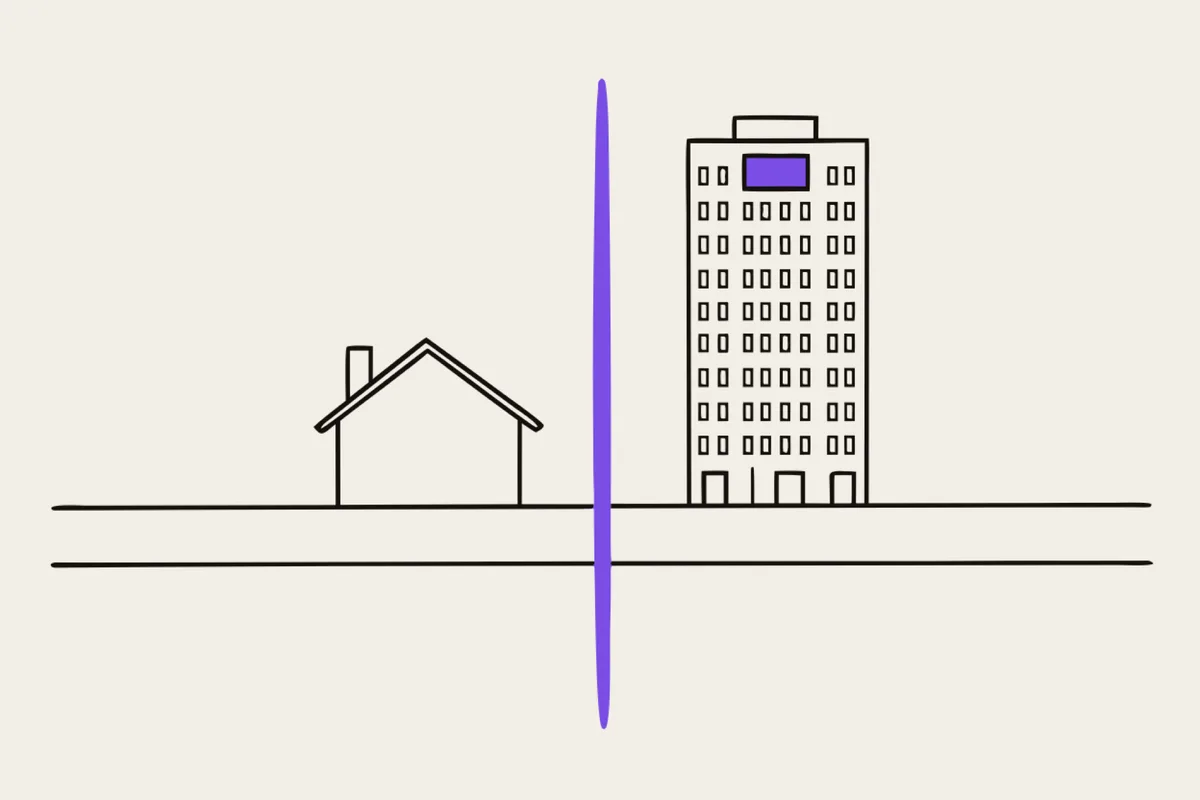
We've written three posts about when you don't need a content system. Now the reverse: where's the line beyond which you need one again. The line exists, it's clear, and it's worth knowing before you choose, so you don't have to rebuild a year later.
Two questions
The simplest answer to "do I need a CMS" fits into two questions. They come from developer Rick Hurst, who built static pages back in 1998, then built his own systems, and later moved to WordPress. Someone who's been all the way around.
Is the site small? Will it be maintained by a developer (or someone who isn't scared of code)?
A static page wins only when both answers are "yes." A small site maintained by an owner who's scared of code doesn't qualify. A big site maintained by a developer doesn't either. For everyone else, Hurst recommends a good open-source content system, and we won't argue with him here.
This test takes ten seconds and is more accurate than any feature list. We ask it in the first conversation.
"Small" has a number
Hand-maintained SEO (page titles, descriptions, structured data, sitemap, Open Graph) stays manageable up to roughly 30 to 40 pages. Below that line, every small detail is in your own hands, and that's an advantage: nothing auto-generated, nothing missed.
Past that, the problems stop being technical and become structural. Unique meta descriptions for two hundred pages by hand is a maintenance nightmare. No automatic category pages, no related posts, pagination breaks. Around that line, a content system starts paying for itself purely through link and metadata handling, even if nobody ever changes the content itself.
The real CMS trigger: approval chains
Yoast's founder, Joost de Valk, who left WordPress himself, draws the line this way: a content system is needed when several editors work daily "with roles, approval chains, and scheduling," or when the site has a dynamic feature for visitors (accounts, search across a large catalog, orders).
Notice what's missing from that list. Page count. A blog. The occasional urge to change some text. A CMS sells management order: who can do what, who approves, when it publishes. A one-person business has no management problem, because one person is the whole chain.
Building and content are different stages
A third landmark, the one we find most useful, comes from DatoCMS: "Vibe coding accelerates the build and the CMS manages the content after the build."
These aren't competing purchases, they're different stages. That's why comparisons like "AI replaced my CMS" always talk past each other: one side means the build, the other means life after it. The practical consequence matters: the decision about a content system can be postponed with no cost. Build fast and simple now. Add the content layer once a second person needs access. The site's code and its content store are separable, and an editor can be bolted on later without rebuilding the site.
That's exactly how our two studios work. nocode.lt builds simple and fast. When a site outgrows that, webflow.lt moves it onto Webflow with a full content system. That's routine work, not drama.
One feature with no answer
A Webflow specialist, comparing both sides honestly, named one concrete gap: permissions. Who can edit what. Fine-grained access control, where marketing sees one part and legal sees another. An AI-generated page has no answer here, and there's no point pretending it does.
The same specialist's argument for AI is also worth hearing, precisely because you wouldn't expect it from a Webflow person: for a business that's likely to change direction, AI wins, because "you can start over fairly cheaply." Disposability is an advantage when you don't yet know who you are.
What this looks like in practice
Up to 30 to 40 pages, one or two people, changes a few times a year, no visitor accounts: a simple page, no system. That's us.
More pages, several editors, approvals, permissions, dynamic features: Webflow. That's webflow.lt.
If the question "who can edit what" is already coming up for you, the line's been crossed. If it isn't yet, it probably hasn't, and a website is all you need.